How to Use
First, get the scan from PSA

Go to PSA website, and go to cert research.
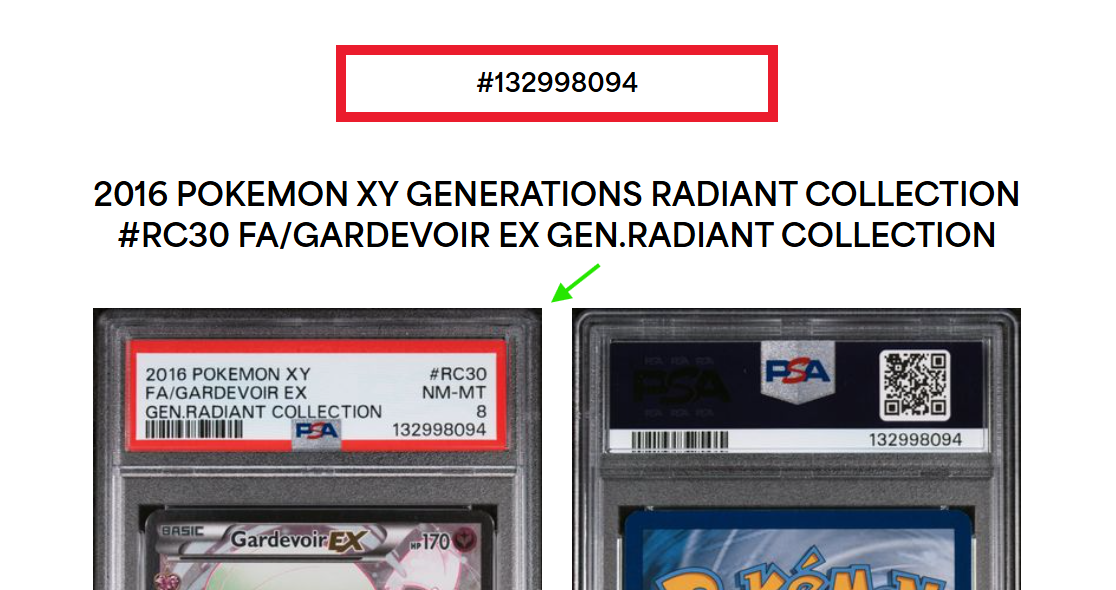
Go to PSA website, and go to cert research.

Go to PSA website, and go to cert research.
Second, use our tool
- Upload a slab image using the “Change Slab Image” button.
- Choose either 2-color or 3-color mode.
- Pick your colors and adjust the first color coverage, angle, and opacity.
- Log in or create an account.
- Tap “Save Preset” and give your design a name.
- Publish your favorite design to the community feed if you want others to try it.
- Tap any community design in the feed to apply it instantly.